PROJECT / 2026
Inkwell
A Fast, Private PDF App for Windows
Free, open-source PDF app for Windows that covers the tool areas of Acrobat Pro (editing, forms, signatures, redaction, OCR, compare, preflight and print production) with no account, no telemetry and no cloud. Built with Tauri, Rust and a patched MuPDF.
- type
- Desktop app for Windows
- engine
- Rust on a patched MuPDF
- privacy
- No account, no telemetry, runs locally
- license
- AGPL-3.0-or-later
- status
- Early, no releases yet: build from source
- stack
- Rust · Tauri 2 · MuPDF · React 19 · TypeScript · Vite · Zustand · WebView2 · Vitest · Windows OCR · Codex CLI · Claude Code CLI · WiX / MSI · pnpm
01 / Overview
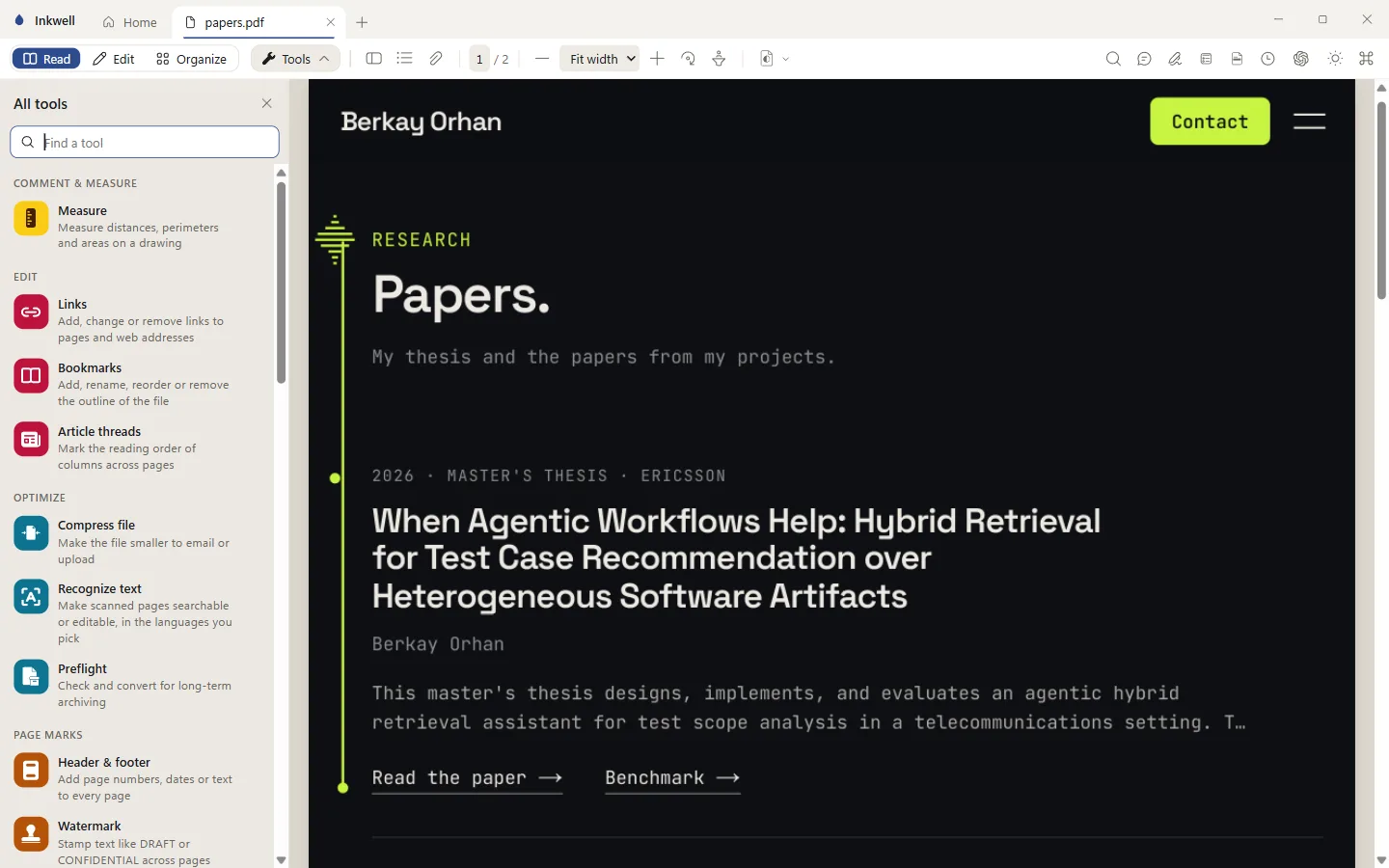
Inkwell is a PDF app for Windows built to be fast and to keep your documents on your machine. A Rust engine on a patched MuPDF cuts every page into 512 px tiles and streams them to a React and TypeScript interface running in a Tauri 2 shell (WebView2). On top of the viewer sits a long list of tool areas that follows Adobe Acrobat Pro: comments, forms with a sandboxed form-JavaScript runtime, text and image editing, page organizing and portfolios, fill-and-sign and digital signatures, passwords, redaction, compression, OCR, compare, version history, print production, preflight and PDF/A, accessibility checks and batch actions. The repo has a coverage page that lists each area against Acrobat Pro, including the gaps that are still open. There are no accounts and no telemetry. The only outside connection is an optional assistant that drives the Codex (ChatGPT) or Claude Code CLI you already have signed in, so it runs on your own subscription with no API key. It can search and summarise the open document and also act on it; in the default mode every edit waits on an Apply or Reject card. The project is early: Windows only, no releases, an unsigned MSI, and you build it from source.
02 / Key features
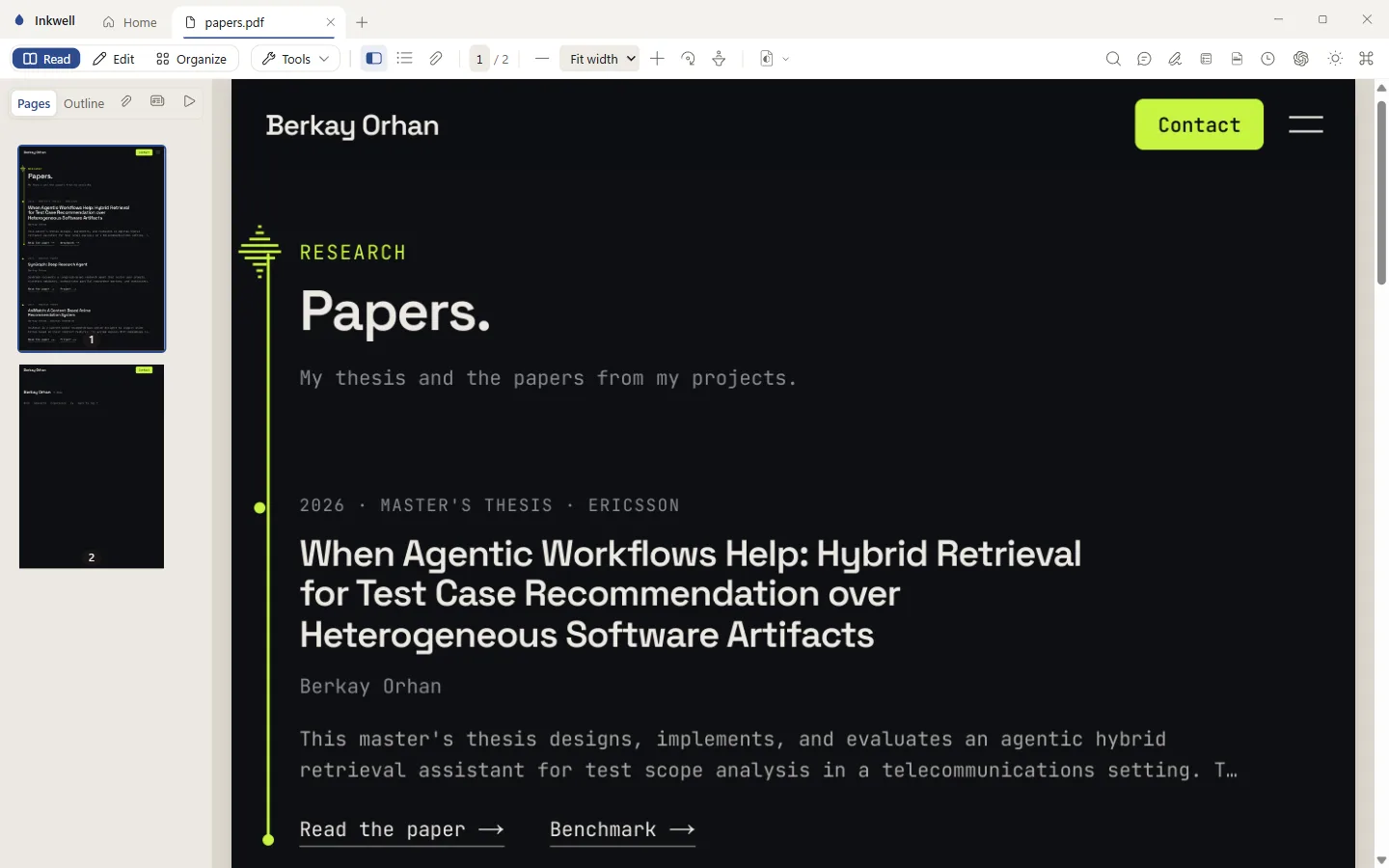
- –Tiled viewer: pages are cut into 512 px tiles that are served as raw RGBA over a custom inkwell:// protocol (no JSON), with tabs, outline, thumbnails, full-text search and zoom that keeps old tiles on screen until the new ones arrive
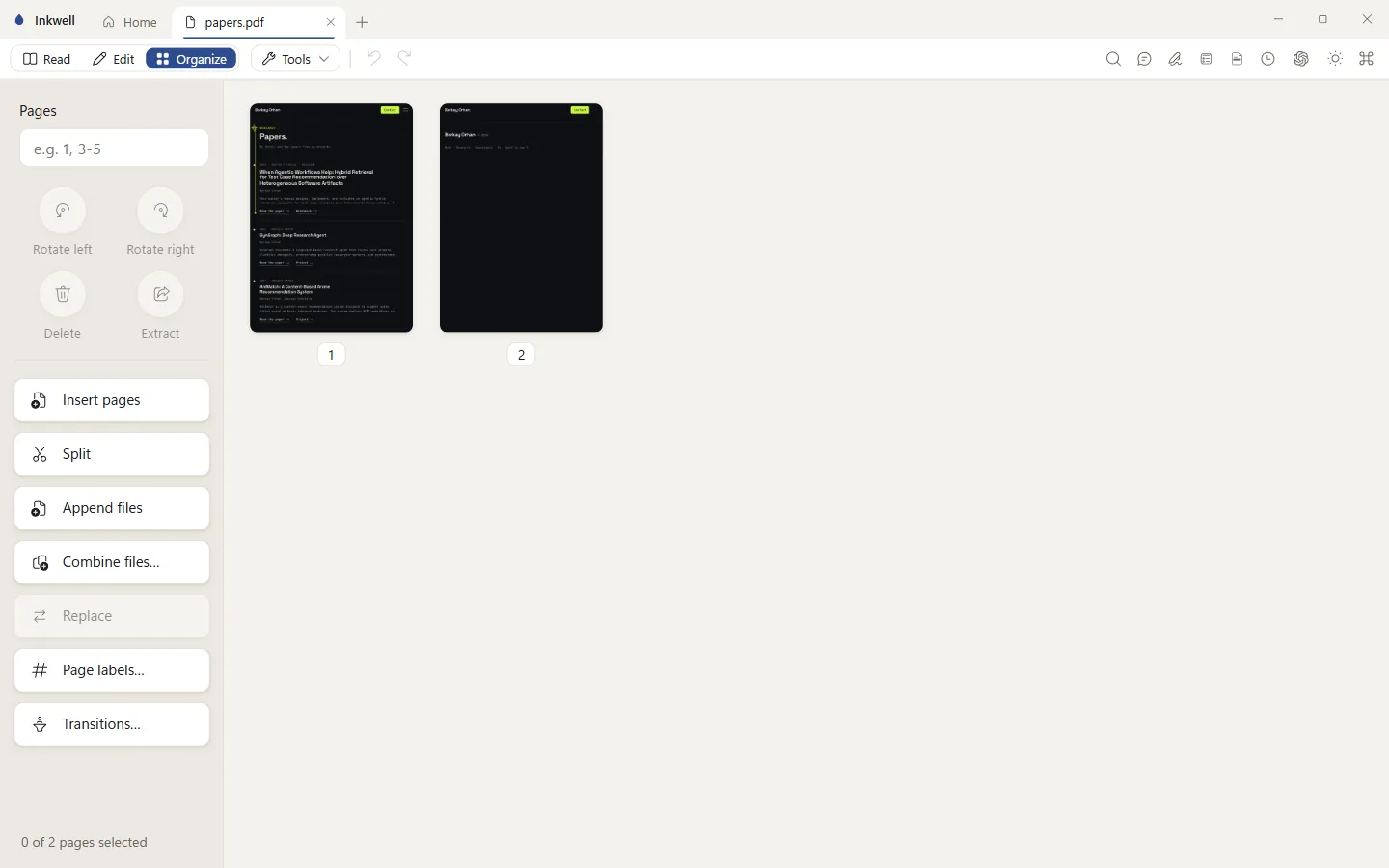
- –Tool areas that follow Acrobat Pro: comments and markup, forms (including form JavaScript in a sandbox), edit text and images, organize pages, combine files, portfolios, fill-and-sign, digital signatures, passwords and permissions, redaction, compression, OCR, compare, print production, preflight, PDF/A and PDF/UA, header/footer, watermark and Bates numbering, measure and batch actions
- –Version history: every save, assistant turn or outside change becomes an immutable, encrypted version in a chunked store, and a restore is byte-exact so signatures survive
- –Optional assistant that reuses the Codex or Claude Code CLI you already have signed in, with no API key. It can read and search the document and use Inkwell's own tools. In the default mode every edit appears as an Apply or Reject card, and each one counts as one undo step
- –Permission modes for the assistant: ask for every edit (the default), ask only for destructive or permanent changes, or ask only for permanent ones. It never saves the file; Save stays with the user
- –Windows' own OCR as the default engine (nothing to install), with Tesseract as an optional extra, and a text layer that is either invisible or real editable text
- –Command palette (Ctrl+K), keyboard shortcuts for navigation and zoom, light and dark themes, and multiple files opened as tabs from the command line or by drag and drop
- –Per-machine MSI built by the Tauri WiX bundler, with Explorer integration documented in the repo (unsigned for now)
03 / Challenges
- –Keeping a big PDF smooth while zooming and scrolling fast, when every request for a tile can be outdated by the time it is answered
- –Stock MuPDF decodes JPEG 2000 images one at a time under a global lock, which stalls pages that are full of JPX pictures
- –Edits, saves and the viewer all touch the same file: a save has to replace the original without leaving stale readers on the old bytes, and a signed or certified document must not be broken by an edit
- –Letting an AI assistant change a document without handing it the keys: it has to run on the user's own CLI login, never see their credentials, and never act without approval
04 / Solution
Every change in what is wanted on screen bumps a per-stream epoch. The engine answers queued jobs older than the newest epoch with HTTP 410, and the client asks again only for the tiles that are still needed, one request per tile at a time. Render scale is quantised to quarter-octaves so tiles survive zoom steps, and zooming in restretches the old tiles until the settled scale arrives. The engine keeps a few read-only replicas of each file for viewing and runs every edit on one serial lane against a single authoritative document; each committed edit snapshots to memory and bumps a generation, replicas reopen from that snapshot, and a save writes a temp file, releases every replica and renames it over the original. Signed documents stay incremental and certified ones refuse the edit. The webview never gets a file path, only tokens that Rust issues and checks. A vendored copy of mupdf-sys makes JPEG 2000 decoding thread-parallel. The assistant is one shared tool registry that runs the Codex or Claude Code CLI as a child process, gives Claude an allowlisted environment, refuses to run Claude if an API key or token variable is set (the answer would not be billed to the user's plan), never reads or stores the login, and gates every tool by class (read, edit, destructive, permanent) against the chosen permission mode.
05 / Outcome
A working Windows PDF app in early shape, open source under AGPL-3.0, with the tool areas of Acrobat Pro implemented and the remaining gaps documented area by area in the repo. The engine has Rust unit tests and the UI has Vitest tests, and the repo carries a benchmark for the engine and screenshot harnesses for the features. There are no releases yet, so for now you build it from source (Rust, Node, pnpm, LLVM and the VS Build Tools; the first build compiles MuPDF and takes several minutes) or build the unsigned MSI yourself. In the repo's own note, the app idles around 550 MB in total with WebView2 in low-end-device mode.
06 / Screens
01 / 03